

Frequently Asked Questions
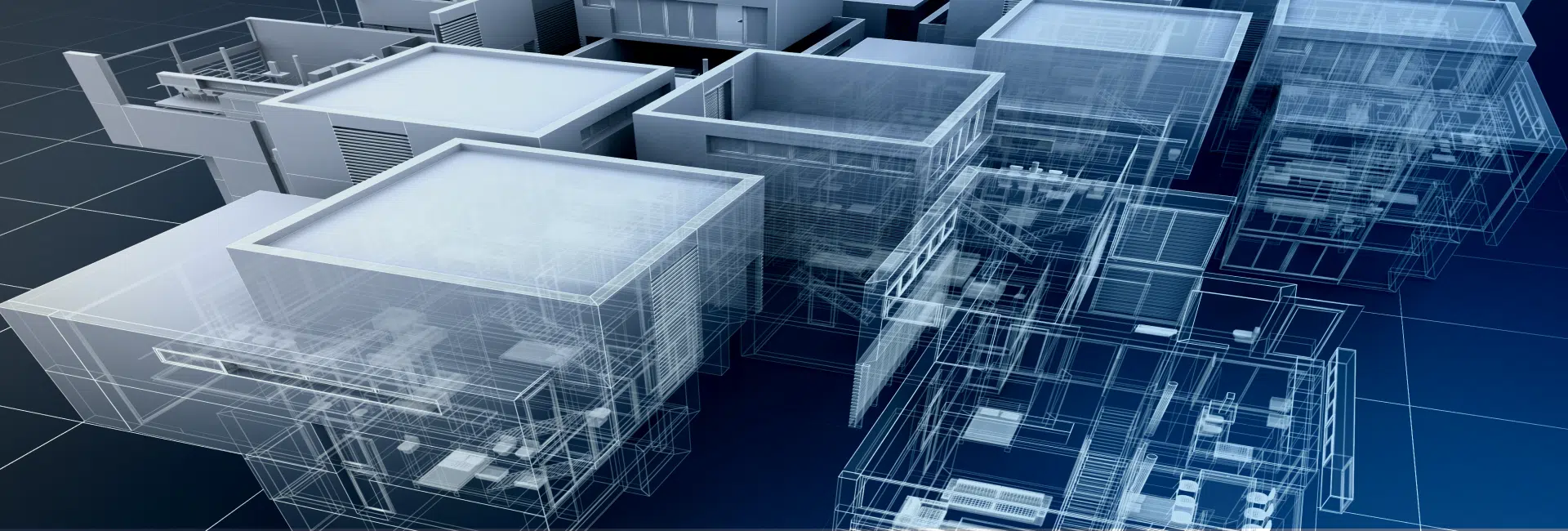
CAD to BIM conversion means turning 2D AutoCAD drawings or even paper blueprints into a 3D BIM model that are data-rich and come with a cloud-based CDE. Shifting to building information modeling reduces rework, improves accuracy, and makes coordination easier across teams.
AutoCAD is great for drafting, but it’s not data-rich. BIM drafting services add intelligence to the model such as materials, schedules, quantities which makes projects run smoother. That’s why many firms partner or outsource to AutoCAD to BIM companies to stay ahead.
Getting started with our CAD to BIM conversion services is simple. Just share your CAD drawings, PDFs, or scans, and we’ll review them. There’s no hidden setup fee. You only pay for the scope of work we agree on.
The price of CAD to BIM conversion services depends on the size, detail, and Level of Development (LOD) you need. For ongoing projects, we offer flexible options, so you don’t have to renegotiate every time. Many clients choose us as their long-term CAD to BIM consultants for steady support.
Yes. Continuity matters. You’ll be assigned a dedicated team who learns your workflow and preferences, so you don’t have to explain from scratch every time. This makes BIM drafting outsourcing much smoother.
Being a leading CAD drafting company, we use clear checklists, scheduled updates, and shared platforms like BIM 360 or ACC to keep everything on track. If you’re outsourcing CAD to BIM services from another time zone, we make sure nothing gets lost in handoff. We communicate through correspondences, weekly meeting for close coordination.
Yes. CAD to Revit conversion is one of our most common requests. Our Revit drafting service creates clean, parametric models from your CAD input.
Not exactly. AutoCAD is CAD software, while Revit is a BIM platform. The difference between CAD and BIM is that CAD shows geometry, while BIM shows geometry plus data and relationships.
AI can help speed up CAD to BIM conversion automation, but it won’t replace BIM itself. BIM is about collaboration and intelligent data, which still needs skilled teams supported by technology. At BluEnt, we follow AI-assisted workflows to give best of all worlds for our clients.
Yes. Our CAD to BIM specialist clean up and validate your files before modeling. Even if your drawings are outdated, our CAD to BIM services ensure the final BIM model is reliable.
We run clash detection in Navisworks and Revit at key stages. This lets us find and fix issues early, saving you rework and cost.
Yes. Our CAD to BIM consultants scale quickly, working across global time zones to handle both high volumes and fast-track projects without cutting corners on quality.
We do. Our BIM drafting services include shop-ready details that help contractors and fabricators move smoothly from design to installation.
No problem. We can create accurate LOD 500 BIM models or custom asset data so your team has a reliable record for operations and maintenance.
Details | Specifications
Quantifier
Details / Specifications
Style
CAD to BIM conversion for Architectural, Structural, and MEP disciplines
Scope of Work
Conversion of 2D CAD drawings, PDFs, scans, and blueprints into accurate 3D BIM models
Output Formats
RVT, DWG, NWD, IFC, PDF, DOCX, Excel
Software Used
Autodesk Revit, AutoCAD, Navisworks, ACC
Files Accepted
CAD drawings (DWG, DXF), scanned PDFs, point cloud files (RCP, E57), hand-drawn sketches
LOD Supported
LOD 200, 300, 350, 400, 500
Deliverables
Coordinated BIM models, CD/permit sets, Revit families, clash detection reports, asset data
Redlines
One review cycle included for revisions or compliance alignment