


Millwork cut lists and CNC-ready production data Produced to your machine’s spec.
There’s a machine on your floor that cost more than a detailer’s salary, and it’s waiting on data. The person who was supposed to feed it is the same person drawing your submittals – so the router runs when the drawings are quiet, which is never. We produce the data; your machine does its job.
What we produce
- Optimised cut lists and panel optimisation – by material, thickness, grain and edge treatment, with waste factors you set
- Nesting and nested-based output – to your sheet sizes, trims, and tooling parameters
- DXF generation for machining – layered and named to your convention, ready for your CAM workflow
- Production release documentation – labels, part IDs and assembly references that match the drawings, available inside retained accounts
All of it produced to a specification you supply – your sheets, your tooling, your standards – and checked against it before release.

Cut lists, nesting and DXF within this line
-
Optimised cut lists and panel optimisation
A cut list turns a set of drawings into a set of parts, optimised across your sheet stock by material, thickness, grain and edge treatment.
Explore -
CNC nesting and nested-based output
Where a cut list becomes a physical arrangement on a sheet, respecting yield and the realities of holding and cutting parts safely.
Explore -
DXF generation for machining
The common language between a drawing environment and a machining environment, layered and named to your convention.
Explore
The honest boundary (read before you enquire)
Two very different things get called “CNC programming.”
Machine-ready data – cut lists, nesting, DXF to your spec. That’s this page. Deliverable from your documents, remotely, reliably.
Machine-specific setup – post-processors, tool libraries, G-code tuned to your named router and controller. That work belongs with someone standing at your machine: your integrator, your reseller’s tech, or a commissioning specialist. We don’t pretend to do it remotely – and we’d be cautious of anyone who does.
If that’s the gap, start with a Production Readiness Audit and we’ll map exactly what can move offsite and what can’t.

What we need from you
This list doubles as our qualification test – if you can gather it, you’re ready for outsourced production data:
- 1.Sheet sizes and materials you stock (with grain constraints)
- 2.Machine and controller (make/model) and your CAM software
- 3.Tooling list, or the subset that matters for panel work
- 4.Trim, kerf and offset conventions
- 5.Your part-naming and labelling standard
- 6.One recent job’s data as a formatting reference
Missing half of it? Normal. The audit exists to build this file – once – and then every package runs against it.
Book a production readiness audit
We’ll map exactly what can move offsite and what can’t.
Book a production readiness audit
Selected work
Featured Millwork Projects
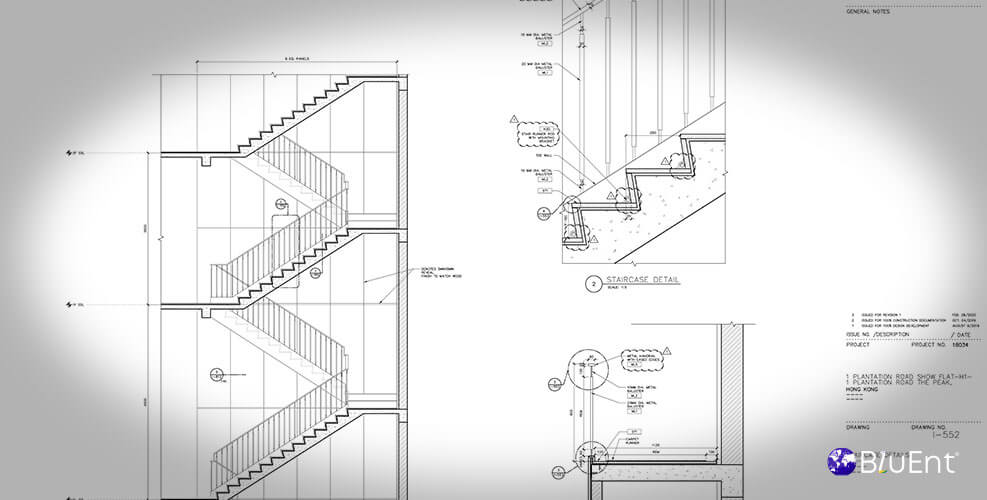
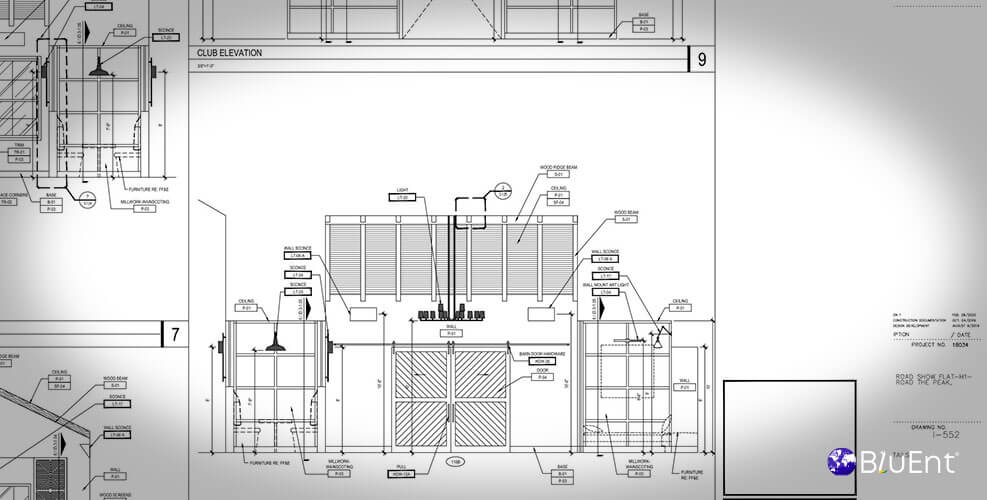
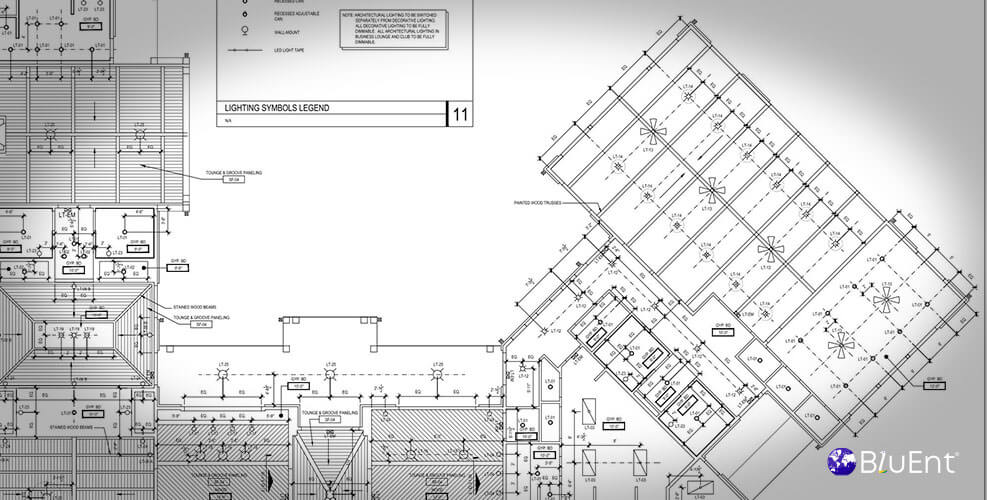


See how a machining centre was fed
Real project outcomes from BluEnt’s broader portfolio.
Quick enquiry
Have a machining centre sitting idle?
Send the basics. The right next step can follow.
Read by someone who works with machine parameters, not a sales desk.
Where to go next
Related pages
Related services
Partners and capability
Platforms
Before engaging
Machine-ready data is deliverable remotely. Machine-specific setup belongs at the machine.
FAQ
Frequently Asked Questions
Which software do you work in?
Microvellum, Cabinet Vision, SWOOD, and standalone optimisation tools – or we deliver neutral DXF and CSV your workflow imports.
Can you write G-code for our machine?
Not remotely, and we won’t pretend otherwise – see the boundary above. We deliver to the spec your integrator confirms.
We have Microvellum but only use it for drawings. Can you take it to the machine?
That’s one of the most common situations we see – the platform is bought, the production side never got staffed. Yes: we work inside your environment and produce the output it was purchased for.
Book a production readiness audit
Send the parameters. Output comes back to what was supplied, not a guess.
Scope, queries and an honest read on the schedule, before any commitment.
- Cut lists, nesting and DXF produced to the specification supplied
- No G-code, no post-processors, no machine-specific work claimed
- One named contact, not a general queue
- First runs verified on a test cut before committing material
Prefer to start now? Send a job for a fixed-price data package →
Project enquiry
Scope and questions come back, not a template.