





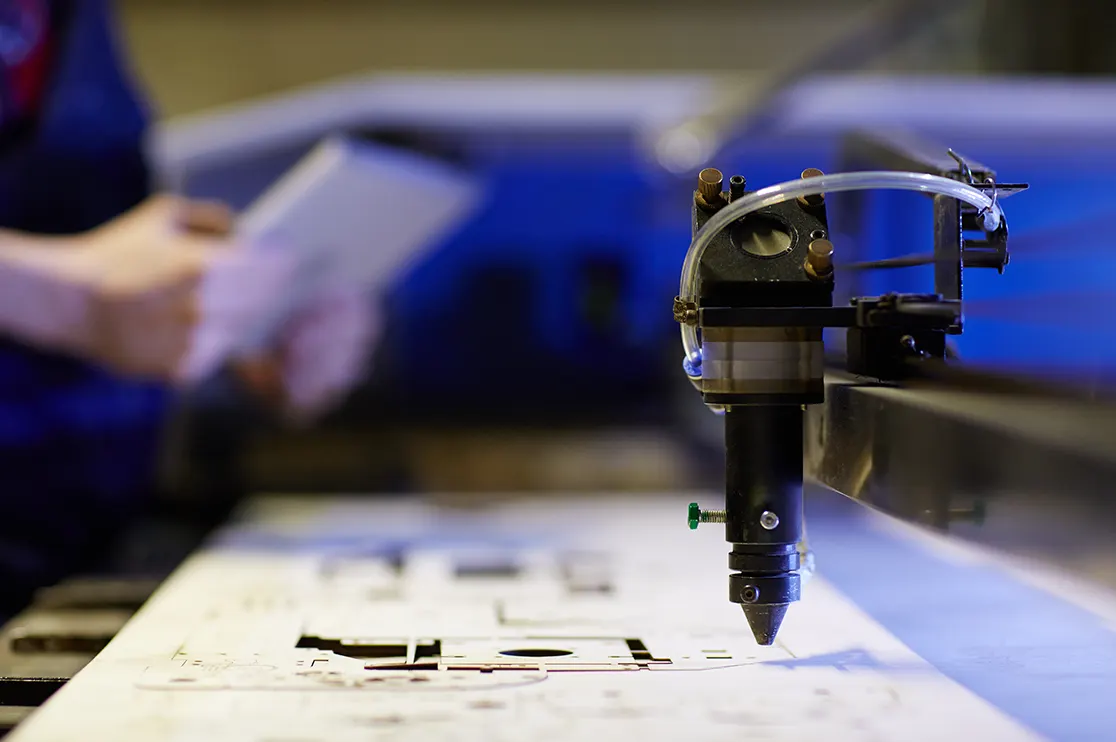
Millwork shops across the USA are dealing with a real problem: a shrinking pool of skilled woodworking labor, right when customers expect faster turnarounds and mass customization. Further, regulatory pressure making it a more tough combination!
For commercial millwork manufacturers, the only way to protect margins is to move projects faster, use labor wisely and get maximum value out of every sheet of material. There’s not much room for error.
This is exactly why more manufacturers are turning to CNC (Computer Numerical Control) machinery. It speeds up fabrication and helps control costs. But CNC equipment alone cannot protect margins. Accurate, production-ready drawings are equally important.
A few months back, a millwork shop in Georgia reached out to us for Microvellum shop drawings. Their existing 2D drawings worked fine for approvals, but when used for CNC cutting, small errors and misread dimensions led to miscut panels and significant material waste.
This is a pattern we see often. Manufacturers need more than a drawing that looks right on paper. They need engineering documentation that helps them move quickly from approved files to fabrication.
Whether it’s a K-12 school, hospital, or commercial office, here’s how CNC ready shop drawings can help millwork operations reduce waste, rework and optimize production/installation costs. And, how BluEnt is empowering millwork shops across US.
Table of Contents:
- What are CNC Ready Shop Drawings
- Challenges Faced by Millwork Shops for Commercial Operations with Traditional Drafting
- How CNC-Ready Drawings Protect Commercial Millwork Manufacturer’s Margins
- Real-World Case Study for CNC-ready Shop Drawing Services
- How BluEnt Helps Millwork Shops for Commercial Projects
- Conclusion
- Frequently Asked Questions
What are CNC Ready Shop Drawings

CNC ready shop drawings are 2D detailed drawings that have all the precise information required to program the CNC machinery for millwork operations such as cutting, drilling, routing and carving. CNC documentation contains machine-readable data that expedites the project from design to production
Information CNC drawings have:
-
Joinery details
-
Cut lists with optimized layouts
-
Panel dimensions
-
Material specifications and tolerances
-
Drilling and routing information
-
Machining and assembling details
CNC drawings in .DWG or .DXF formats enable the machines to interpret and execute the instruction with much less human effort.
Challenges Faced by Millwork Shops for Commercial Operations with Traditional Drafting

Woodworking and cabinetry shops typically see 15–25% material waste. Software-optimized nesting can bring that down to 5–8% (Cutwize). On a large commercial project, that gap alone adds up to thousands of dollars in scrap.
Traditional millwork drafting struggles to keep pace with today’s highly customized commercial millwork. Here’s where it tends to fall short:
-
Costly Rework – Hand measurements leave room for small mistakes and these mistakes often turn into expensive rework. Like one miscalculated dimension of a hospital nurses’ station would mean an entire countertop gets recut.
-
Material Wastage – When sheet layouts aren’t optimized, material waste and offcuts can pile up quickly. On a corporate office fit-out with hundreds of cabinet panels, poor nesting alone can waste several sheets a day.
-
Duplicated Production– Design and manufacturing can work out of sync. This makes teams end up duplicating effort or scrapping material.
-
Time-consuming Redraws– One change, like a counter height, means updating every view (Plans, elevations and sections )by hand. Like for a hotel lobby reception desk (hospitality millwork), a last-minute height change can mean redrawing three separate views before fabrication even starts.
-
Missed Information and Takeoff Errors – Estimates, BOM and hardware counts when done manually and mistakes may slip through. A large retail buildout with dozens of custom shelving units often sees hardware shortages simply because counts were tallied by hand.
-
Fabrication Delays – Standard 2D CAD files need manual conversion into machine-ready code. That extra step slows everything down.
-
Reduced Production Efficiency – Back-to-back redline cycles can leave a shop floor team idle for days waiting on finalized drawings.
Read More:
How CNC-Ready Drawings Protect Commercial Millwork Manufacturer’s Margins
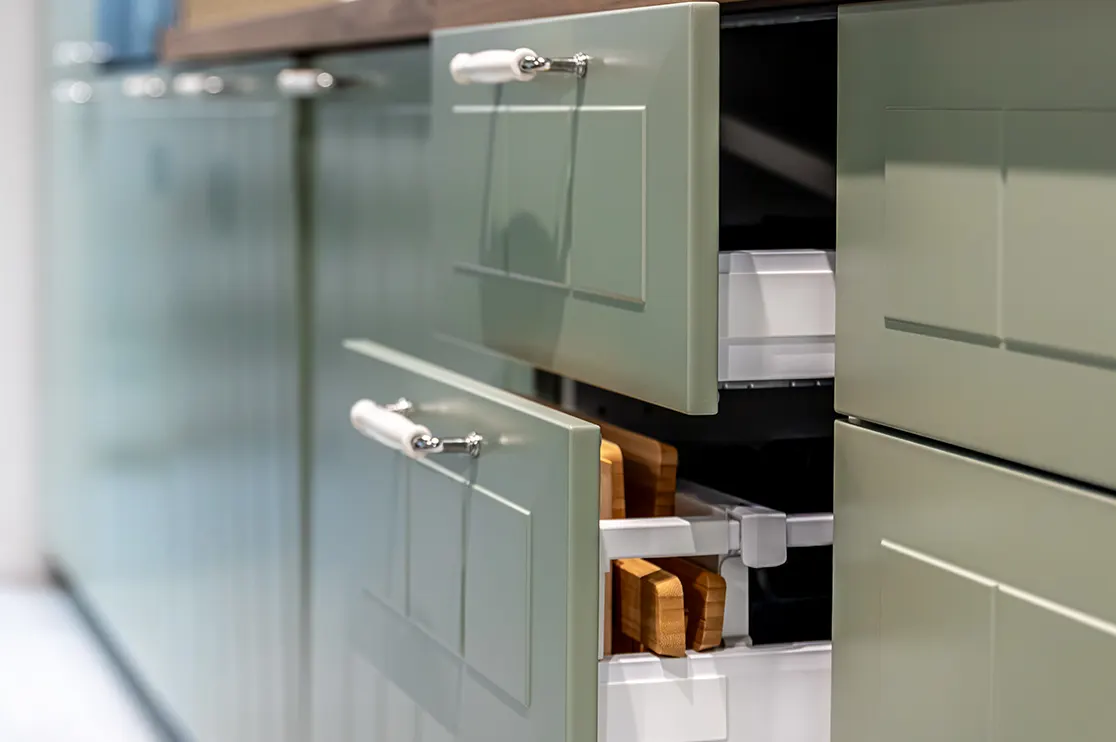
Apart from speeding up millwork production, CNC-ready drawings protect margins at every stage, from material use to labor to installation.
Faster Production Cycles
Once a CNC shop drawing is approved, it goes straight into machine-readable code. There’s no waiting on someone to manually convert the file. So, no back-and-forth between drafting and the shop floor to clarify a missed dimension or unclear detail.
For a retail buildout on a tight deadline, the shop can start cutting the same day design gets signed off, instead of losing a day or two to manual setup when you have CNC-ready drawings.
Material Optimization and Waste Reduction
CNC-ready shop drawings help commercial manufacturers get more out of every sheet. Software like Microvellum uses advanced nesting algorithms to arrange parts efficiently. Thus, cutting down on offcuts and maximizing yield per sheet.
Many manufacturers have reported 20–30% scrap reductions with smart and optimized nesting done with shop drawing services for CNC machinery.
Also, pre-programmed cutting paths also help avoid duplicate operations. When a design file gets updated, that change reflects in real time across the CNC-ready drawing. This means production is always done with the latest specs and versions.
You get no lag between a design revision and what actually gets cut on the floor.
Labor Efficiency and Error Elimination
Advanced design-to-manufacturing software lets teams define tolerances down to 1/1000th of an inch. That level of precision takes the guesswork out for machine operators and bench carpenters.
What does that mean for millwork operations? This means fewer ill-fitted joints, less re-machining and fewer replaced parts.
Additionally, data also moves directly from the CAD model to the CNC router. There’s no manual re-drawing, no re-entry of measurements. So, fewer chances for human error to creep in.
Shop workers simply load the optimized file instead of writing complex machine code by hand. This also makes cross-training new team members a lot easier.
Handling Complex, Custom Designs with Ease
Premium hotels, restaurants and other high-end hospitality spaces rarely work off standard specs. Every reception desk, bar counter or feature wall tends to have its own unique curves or joinery details.
CNC-ready millwork drafting services for hospitality sector make that kind of customization manageable at scale. Because every dimension and detail is defined precisely in the file. Highly bespoke millwork is manufactured with the same accuracy as a standard run, without slowing down production or driving up costs.
Streamlined Project Timelines
With CNC-ready shop drawings commercial projects move from final design approval to the cutting floor in hours instead of days. With clear part numbers, explicit hardware callouts and exact scribe margins built into the drawing, installation goes smoothly.
Put together, millwork installations become more efficient and on-site rework drops significantly.
And, when rework and wastage are reduced and production stays on time, costs automatically are controlled. Thus, allowing the millwork team to take on more projects, deliver on-time and more accurately.
Real-World Case Study for CNC-ready Shop Drawing Services
A mid-sized commercial millwork shop from the Northeast US reached out to BluEnt after struggling with delays and material waste. Reason? Their AutoCAD drawings weren’t built with CNC production in mind. This resulted in mismatched dimensions, inconsistent takeoffs and drawings that kept needing rework once they hit the shop floor.
The shop wasn’t able to complete work on schedule and neither was able to take up new projects due to pending works. BluEnt converted their entire workflow to CNC-ready Microvellum shop drawings, built around their specific machines and production standards. Within a few months, the shop saw:
-
A 10% drop in material waste
-
A 15% faster turnaround from design approval to cutting floor
-
20% fewer on-site installation issues
How BluEnt Helps Millwork Shops for Commercial Projects
Getting CNC-ready shop drawings right requires skilled drafters who understand how millwork actually gets built, and machined.
BluEnt’s team of 150+ drafters brings hands-on experience across a wide mix of commercial and residential millwork work, from hospital casework and school furniture to hotel lobbies, office fit-outs, retail displays and high-end custom homes.
With 8,000+ projects delivered across 32+ countries, our team brings deep, hands-on expertise in Microvellum, AutoCAD, Cabinet Vision, and SolidWorks. Our millwork drafting studio can adapt to whatever platform your shop already runs on.
Under the leadership of Rohit Shankar, AVP of Millwork Engineering at BluEnt, our millwork drafting team understands machine capabilities, hardware, AWI & AWMAC standards, production sequencing, material behavior and shop floor coordination.
Whether you’re dealing with high customization, tight complexity or large order volumes, BluEnt is your reliable millwork drafting partner that keeps your CNC production accurate, efficient and on schedule.
Thus, protecting your margins in every way.
Recommended Reads:
- Top Benefits of Custom Architectural Millwork for Residential and Commercial Spaces
- Mozaik vs Cabinet Vision: Which Software Is Best for Your Millwork Shop (2026/27)?
- The Role of IFC Files for Millwork: Interoperability Between Millwork Shops, Architects and GCs
- AI in Millwork: Why Today’s Commercial Millwork Needs AI Parametric CAD
Conclusion
Commercial millwork margins come down to a simple equation, i.e., less waste, faster production and fewer surprises on the shop floor. CNC machinery alone gets you halfway there, and the other half depends on CNC-ready shop drawings built specifically for that machine from the start.
Commercial millwork shop drawings built for CNC ensure efficient production/installation cycles, material optimization and reduced rework. For leaner and greener operations, CNC drawings have become an indispensable part of millwork shops across the US.
For millwork manufacturers looking to increase profits and boost competitiveness, investing in CNC-ready shop drawings is no longer optional. It’s a must. BluEnt has been one of the most trusted millwork shop drawing partners for shops across the country.
Frequently Asked Questions
Does “CNC-ready” mean the drawing includes actual machine code?Not necessarily. If a shop is drafting in AutoCAD, “CNC-ready” usually means the drawing has every manufacturing detail clearly defined, like panel sizes, joinery, hardware locations, drilling, edge banding, material specs, and machining requirements. So, it can be interpreted for CNC programming with minimal guesswork. The actual machine code itself is usually generated separately, using software like Microvellum or Cabinet Vision, depending on the shop’s workflow.
Can CNC-ready shop drawings really reduce material waste?Yes, nesting algorithms in CNC drawings software arrange parts to make the most of every sheet. This cuts down on offcuts. Many manufacturers see significant drops in scrap material once they move from manual layouts to software-optimized nesting.
How can BluEnt help my millwork shop switch to CNC-ready drawings?BluEnt’s team works directly with your existing machines and production standards to convert your workflow into CNC-ready drawings in Microvellum, cabinet vision and SolidWorks. From cut lists to tolerances to hardware callouts, everything is built to move smoothly from approval straight to the cutting floor.
How are CNC-ready shop drawings different from traditional 2D shop drawings?Traditional 2D drawings are built mainly for approvals and client sign-off. CNC-ready drawings go a step further. They’re engineered specifically for machine execution, with joinery details, drilling and routing instructions along with nesting layouts already built in. That’s what lets a CNC router read the file directly instead of needing a manual conversion first.







 Why Casino Millwork Detailing Breaks Down at the Material Interfaces, Not the Design
  Hospital Millwork Submittals: 7 Reasons they Keep Coming Back
  Millwork BIM Coordination Done Right: IFC Workflows for LOD 350 vs LOD 400 & Production Readiness
  Reducing Redline Drawings in Millwork Submittals: Best Practices for Faster Project Delivery