




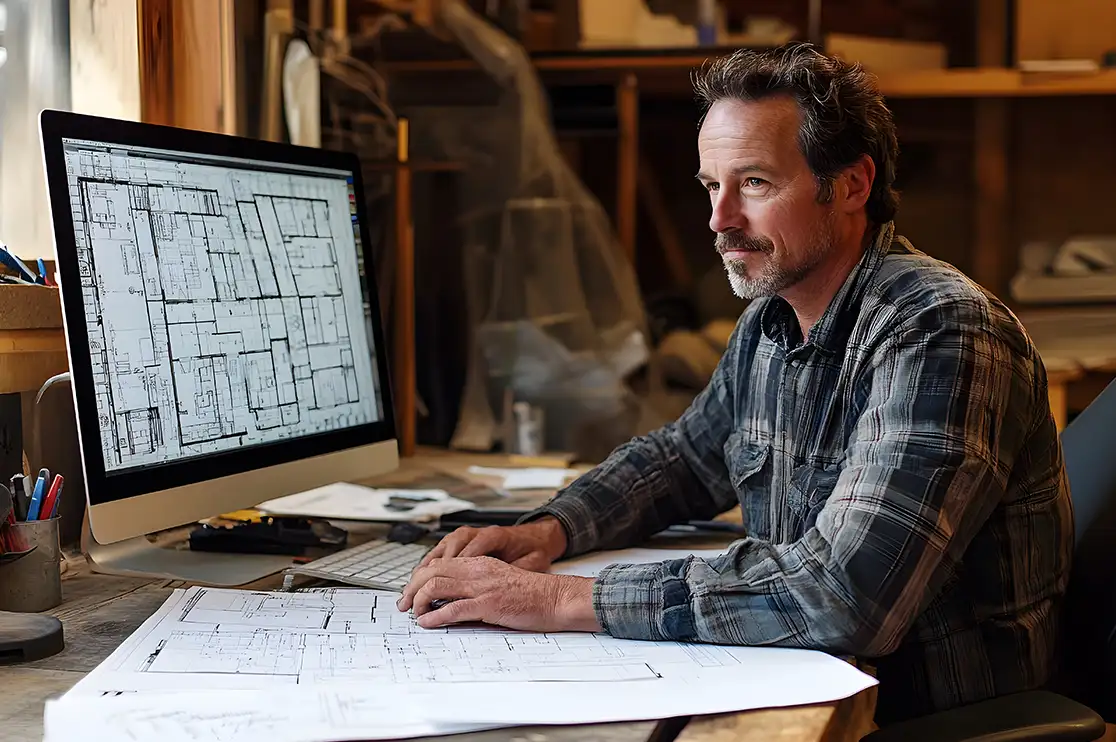
Your architectural drawing set is due soon and the team is stretched. An AI CAD tool can now tag doors, add dimensions and build base sheets in a fraction of the usual time. Sounds like a clear win!
Drafting permit sets, DD and CD sets get expedited. Tasks that took hours, now get completed in minutes!
But this speed and efficiency should not be treated as the primary measure of architectural value. Speed can never guarantee Quality.
AI in CAD drafting can support production, but it cannot replace human judgment. You require human expertise to interpret redlines, figure out coordination errors, and ensure that drawings are detailed as per design intent and regulations.
If you are an architectural team looking to outsource your drawings to a CAD studio partner, the question should not be to choose between AI or CAD teams. Rather, the choice should be backing up a team that combines AI CAD Automation along with the skills and experience of their drafters. Let’s break this down.
Table of Contents:
- What is AI in Architectural CAD Drafting?
- How is AI in CAD Drafting Reshaping the Architectural Landscape?
- What Are the Risks of Using AI in CAD Drafting?
- What Can be Automated in Architectural Drafting using AI?
- Where Can CAD Drafting Be Replicated with AI?
- Can AI CAD be used to Produce Permit Drawings and CD sets?
- AI CAD Drafting with BluEnt, Your US-based CAD Outsourcing Partner
- Frequently Asked Questions
What is AI in Architectural CAD Drafting?

AI in CAD drafting means using Artificial Intelligence in architectural detailing and 2D drafting workflows. It automates routine tasks, optimizes layouts and speeds up documentation, and 3D modeling efforts.
Most AI CAD software uses machine learning and NLP (natural language processing, which lets you give commands in plain text). It helps architects and teams by generating options, automating documentation, reviewing models and flagging possible errors. That means less manual work for your drafters.
Artificial intelligence of computer-aided design workflows has redefined the role of CAD drafters. It’s now much more beyond just producing drawings. Now, they have to manage, review, coordinate, and improve AI-assisted output of their own.
Bring Your Projects to Life with Expert BIM Services
BluEntCAD delivers expert BIM services, including Revit modeling, BIM coordination, clash detection, scan-to-BIM, 4D scheduling, and 5D cost estimation, to streamline project delivery.

Download Brochure
Share a few details to access the commercial rendering brochure and learn more about our solutions.
Bim Brochure
How is AI in CAD Drafting Reshaping the Architectural Landscape?
Earlier, traditional CAD helped the teams move from hand drafting to digital drawings using AutoCAD. Further advancement included BIM workflows and Revit modeling that enabled better construction workflow management and coordination. AI in CAD acts as the breakthrough as it can assist not just with speedier production but with
- Interpretation with data heavy models
- More options
- Automation
- Faster Information Processing
The modern-day AI-assisted CAD tools offer strong capability to CAD drafters:
| AI Capability | What It Does in CAD | Example in Architectural Drafting |
|---|---|---|
| Generative design | Creates multiple design options based on rules and constraints | Testing layout options for daylight or circulation or area targets |
| Intelligent automation | Automates repetitive drafting actions |
|
| Predictive analytics | Uses project data to identify risks or performance issues |
|
| AI-assisted review | Checks drawings for inconsistencies |
|
What are the Risks of Using AI in CAD Drafting?
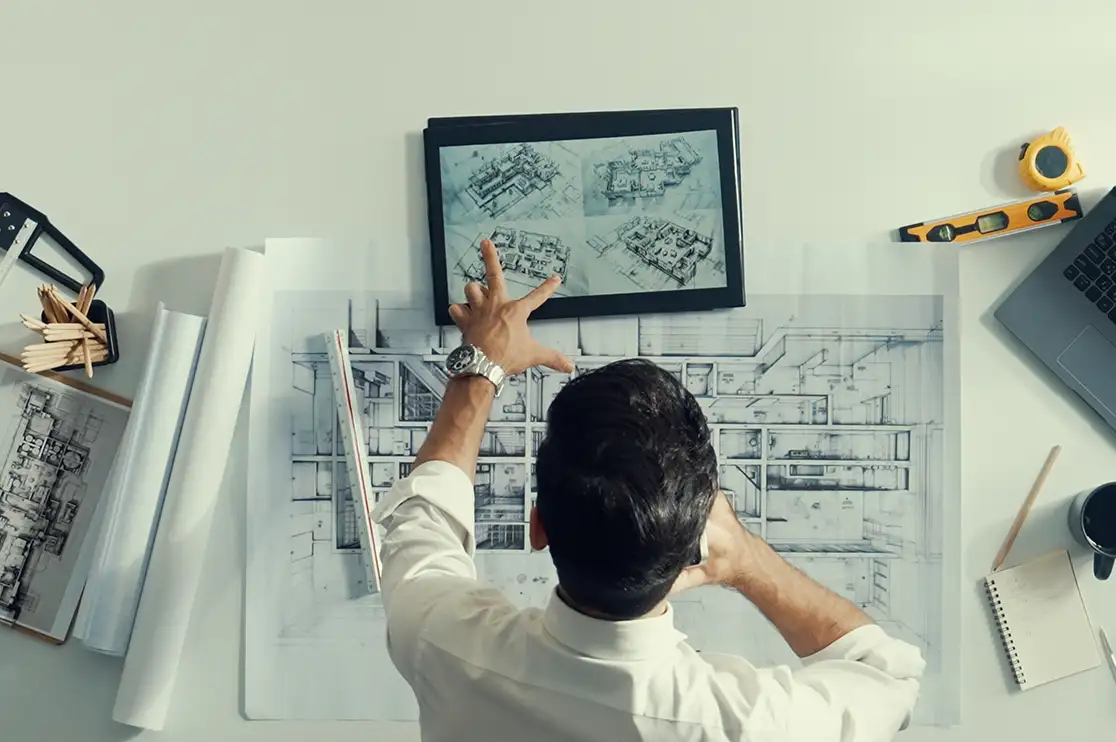
Redlines often contain incomplete notes, consultant comments, design changes, and other site-related corrections. An experienced architectural drafter can easily read between the lines and identify the missing information.
Take a simple redline. The architect moves one wall. The notes are short, a consultant comment is attached, and a site correction sits on the side.
An experienced drafter reads all of it and asks one question first: why is this wall moving? Then they update every sheet affected, not just the marked one. Plan, RCP, elevations, sections and details all get updated.
Now, imagine this being solved by AI. It can move the wall, but it will not be able to understand the “intent” behind it and what other drawings may be affected.
That missing reason is the risk. One sheet gets updated, the rest stay old, and the set goes out uncoordinated. That means RFIs, rework and slower permit approvals for you.
Low Risk: Humans handle design intent, redlines, buildability and final review. AI supports rule-based tasks like tagging and annotation.
High Risk: AI is given charge of redlines, code compliance checks or turning rough design sketches into CAD, and human review becomes thin.
What is the fix?
AI in CAD should be used as “Assistant” and not as “Driver”. Let it take the right tasks and keep an experienced drafter responsible for the final check.
What Can be Automated in Architectural Drafting Using AI?
When you look for a CAD outsourcing partner, ask them one question: “Which tasks do you automate with AI, and who reviews the output before it reaches us?” The answer tells you if quality is protected along with speed.
AI in CAD drafting works best when used to automate tasks that are repetitive, rule-based, or require huge information for processing. These tasks usually follow clear standards and require less human assistance.
Use AI CAD automation for:
- Converting scanned paper drawings (legacy) into editable CAD files
- Auto-dimensioning and annotation
- Tagging doors, windows and rooms
- Extracting data and schedules from BIM models
- Creating standard sheet and title blocks
- Generating early design options
- Identifying missing tags or duplicate elements
- Converting 3D models into base 2D drawings
- Organizing project files and searching for drawing information
- Comparing sheets with industry and studio standards
AI CAD automation saves many manual hours, while your drafting team stays responsible for review and final approval.
Where Can CAD Drafting Be Replicated with AI?

Automation can speed up drafting, but it cannot replace human skills such as:
- Understanding and interpreting design intent
- Project context
- Buildability judgment gained with experience
- Resolving conflicts and clarifying intent between stakeholders
AI in CAD drafting cannot serve as the ultimate decisionmaker for high-risk tasks. These require an experienced team to handle. These tasks include:
- Reading and interpreting complex redlines and markups
- Deciding how a design change affects the full drawing set
- Resolving coordination issues
- Maintaining consistency across architectural work standards like line weights, templates, blocks, families, detail libraries, sheet layouts, etc.
- Confirming compliance with local codes and permit requirements
- Making final decisions on construction documentation
- Signing off or issuing construction documents
AI can flag a possible issue, but it cannot understand the full project context the way an experienced architectural drafter can.
Can AI CAD Be Used to Produce Permit Drawings and CD sets?
Yes, AI-assisted CAD tools and automated drafting platforms can help generate permit drawings and even construction documentation sets. But the catch is, they cannot legally or safely be submitted without expert review or sign-off by a licensed professional.
AI in CAD can speed up repetitive documentation tasks and enable drafting teams to prepare DD and CD documentation faster. But it cannot take responsibility for buildability and compliance.
The right approach is to use AI for production support and use experienced CAD drafters for review, coordination, and final QC. This ensures that CD sets, as-builts, or permit sets are speedily drafted as well as coordinated, accurate, and ready for approval.
Recommended Reads:
AI CAD Drafting with BluEnt, Your US-based CAD Outsourcing Partner
AI in CAD is most valuable when it is used to assist experienced CAD drafting teams. That is how we work at BluEnt.
As a leading and trusted US-based CAD drafting company, our CAD team of 200+ skilled architectural drafters combine AI-assisted CAD workflows with their expertise in drawing standards, design intent, redlines and construction documentation.
Using advanced CAD software such as AutoCAD, Revit etc., our drafters support clients across all time zones through 14 global offices (US, Canada, UK, Netherlands and India). Our company works with international architectural firms on outsourcing, white label drafting and enterprise level drafting needs with flexible engagement models.
Looking for a CAD outsourcing studio that delivers both speed and reliability? BluEnt provides the right balance of AI in CAD and human expertise, Partner with us today to produce accurate and construction-ready architectural drawings faster.
Want AI speed without losing drafting accuracy?
Frequently Asked Questions
Can ChatGPT perform CAD drafting?ChatGPT cannot directly draw or perform native CAD drafting inside a traditional CAD interface. But it can assist the CAD drafting process through code generation, script writing and sometimes image-to-code workflows.
Will AI take over CAD drafting?AI will not completely take over CAD drafting. But yes, it is heavily automating repetitive drafting tasks and shifting the role of drafters from traditional drafting to review and validation.
What is the best use of AI in AutoCAD?The best use of AI in AutoCAD drafting is automating repetitive work such as annotation, dimensioning, drawing extraction, standards checks and document organization. This gives architectural drafting teams more time for coordination and quality control.
Will AI CAD drafting improve quality?Artificial Intelligence in CAD can improve consistency and identify some errors early. But the draft quality still depends on experienced professionals who understand the project, site, users and construction process.






 Interior Construction Documentation for Multifamily and Senior Living: The Cost of Errors Across Repeated Units
 The Cost of Inaccurate Construction Documentation: How Quality Control and Version Control Protect Project Margins
 BIM vs CAD: When to Use Each for Optimal Project Success
 AI in Construction Design: What’s Actually Changing, What’s Still Hard, and What Your Firm Should Do Next

